SayGM Desktop: One AI Assistant App for Every Model
Claude, GPT, Gemini and more in one desktop app, always cheaper than list price. Meet SayGM Desktop: an AI assistant that works on your files, runs tasks on a schedule and asks before it acts.
BSBrittany Seales· Marketing5 min read
On this page
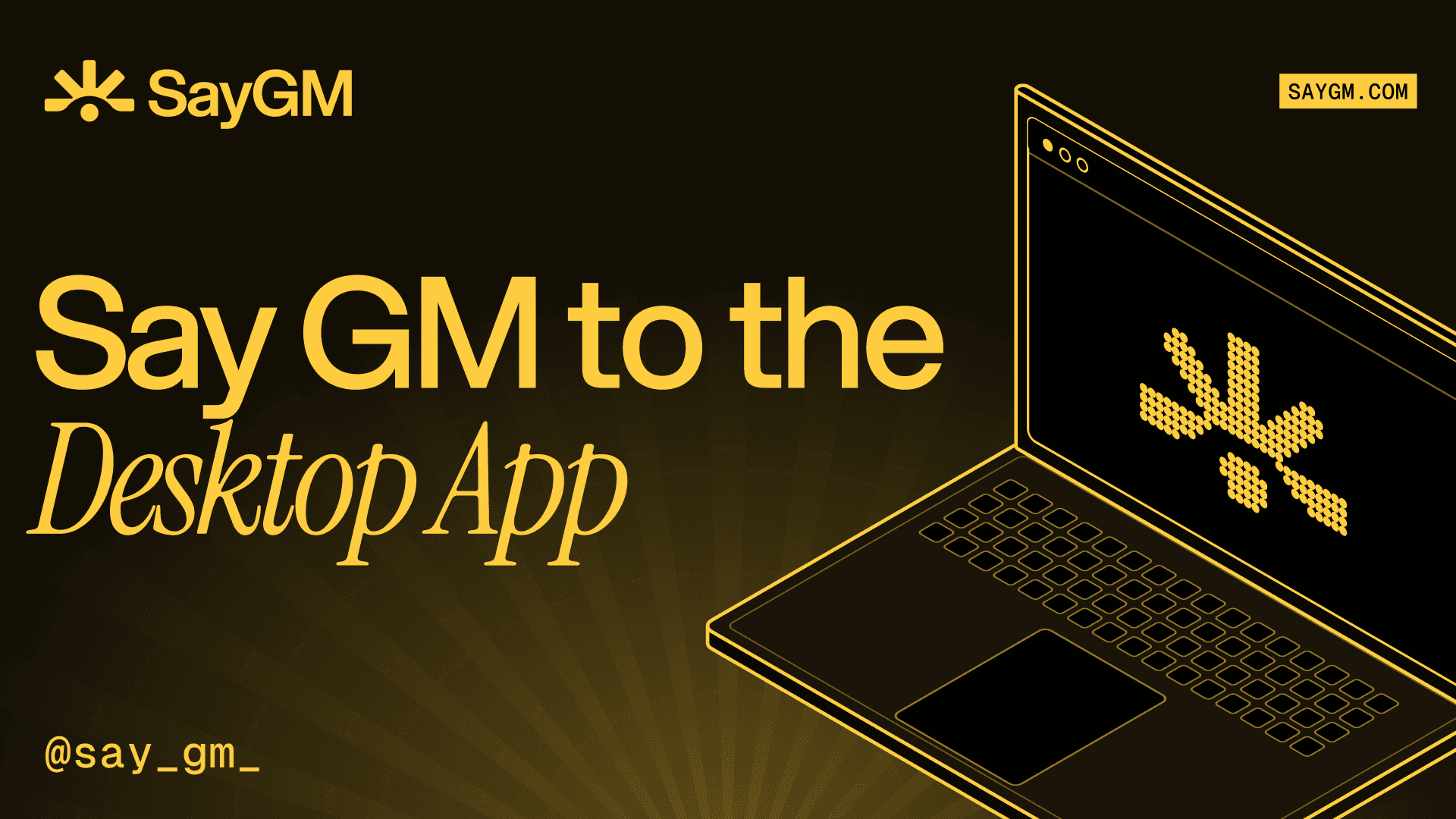
SayGM Desktop is an AI assistant app for your Mac, Windows or Linux computer that gives you Claude, GPT, Gemini and other leading models in one place, always cheaper than list price. Pick a model, point it at a folder and tell it what you need done. Switch to a different model whenever you like, all on one balance with no subscription.
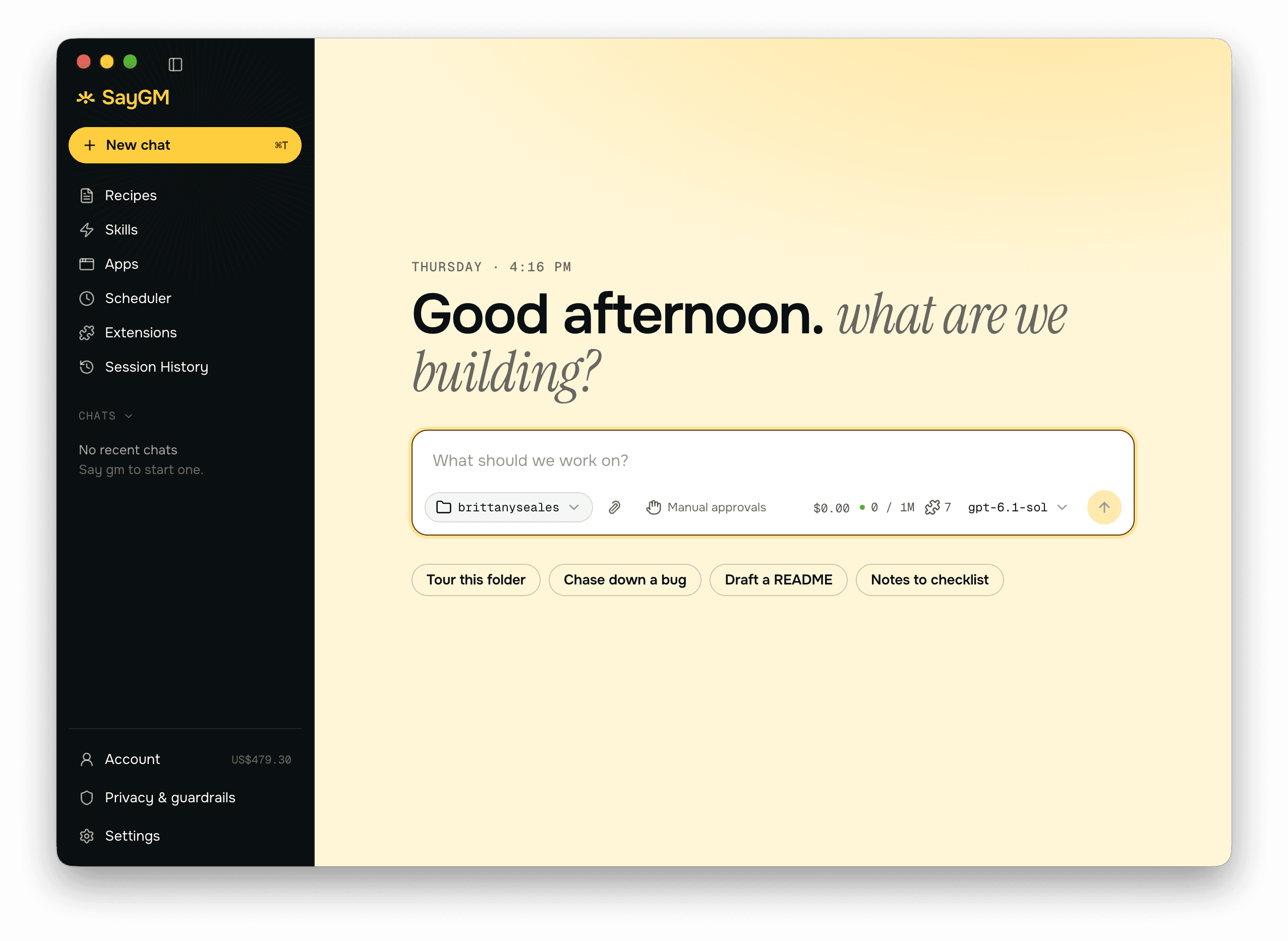
The launch comes as AI moves out of the browser tab and onto the desktop. Anthropic's Claude Cowork has shown how much a desktop agent can take off your plate, from sorting files to drafting replies. Most desktop AI apps, though, tie you to one lab's models. SayGM Desktop lets you try them all side by side and use whichever one suits the task.
This post covers what SayGM Desktop is, which models you can use and what they cost, what it can do with your everyday files, and how it keeps you in control.
Table of Contents
- What Is the SayGM Desktop App?
- Which AI Models Can You Use in SayGM Desktop?
- What Can a Desktop AI Agent Do?
- How Does SayGM Desktop Keep You in Control?
- Common Questions About AI Assistant Apps
- Final Thoughts
What Is the SayGM Desktop App?
The SayGM Desktop app is a desktop AI agent which is capable of important work. While a chat window answers questions, an agent goes much further. It can list a folder, read the PDFs inside it, run a short script, and write a new spreadsheet next to the originals. The app runs on your computer, and the thinking comes from whichever model you choose.
It's built on goose, the open-source agent now part of the Linux Foundation's Agentic AI Foundation, with SayGM adding sign-in, billing, model access and guardrails on top.
In practice, that means it plugs into the tools you already use: email, calendar, drives, your CRM and documents. If a tool offers an MCP server (a standard way for AI apps to connect to other software), SayGM Desktop can use it.
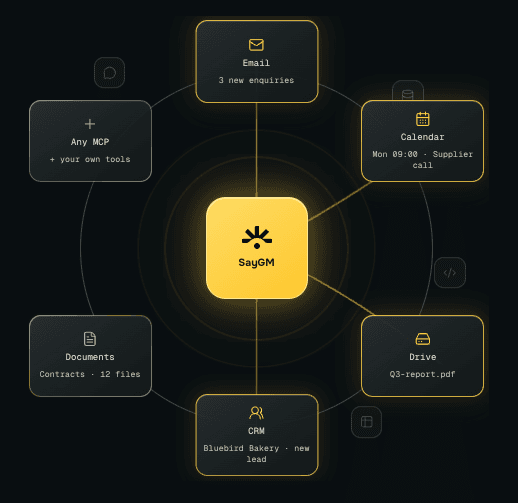
It also works while you sleep. Any task you repeat can be saved as a recipe and put on a schedule. For example: set up a weekly inbox summary, and by Monday morning it has matched invoices, flagged the emails that need a reply today with drafts ready, and noted which contracts are about to auto-renew. The summary is waiting in a file before you wake up.
Which AI Models Can You Use in SayGM Desktop?
One SayGM account gives you access to frontier, open and confidential models on one balance, and you can switch models in the middle of a chat. That's useful when a task changes shape. You might want a fast model to sort a folder and a stronger one to draft the reply. It's also the easiest way to find out which model you actually prefer: run the same task through Claude and GPT and compare the results.
At launch, the desktop model list includes all the major models, from Claude, GPT and Gemini to Kimi, DeepSeek and GLM. The full, live list is on the models page, and availability can change.
Every model is priced below what the model maker charges, and some are heavily discounted, because providers on the network compete to serve each request. At time of writing, the average discount across all models is 27%, and some models are more than 60% cheaper than list price. There's no subscription and no top-up fee: you pay only for what you use, deducted from your prepaid balance per request. Current rates and discounts are on the pricing page.
What Can a Desktop AI Agent Do?
A desktop AI agent is best at the jobs that would otherwise eat an afternoon of opening files and copying details across. Think reviewing contracts, turning a folder of receipts into an expense sheet, or catching up on a backlog of emails.
Take the SayGM Desktop launch demo. The agent is given a folder of 12 contracts and a single prompt:
"Review each one, save a spreadsheet of what to check, renewal terms, dates and parties, then make a one-page summary with the soonest deadlines first."
Soon after, both files are sitting in the same folder, with the urgent cancellation deadlines and auto-renewals flagged at the top. That's AI contract review as a practical tool: you still make the decisions, but the reading and the deadline-hunting are done for you.
In the demo, the user switched to glm-5.3-tee, one of SayGM's confidential models, because contracts are the kind of file you want kept sealed. More on that below.
How Does SayGM Desktop Keep You in Control?
Privacy covers what information leaves your machine. Control covers what the agent can do on your machine. SayGM Desktop gives you flexibility on both.
It asks before it acts. By default, every file change, tool and extension needs your approval. Ask "What's in my Documents folder?" and it shows you exactly what it wants to run first, then waits for you to choose Allow once, Always allow or Deny. Once you trust it, you can switch to Smart mode (it only asks about riskier actions), Autonomous mode (it works freely), or Chat only (no tools at all).
Your files stay on your computer. The agent works with them locally, and only what it needs for a task is sent to the model. When you use Claude, GPT or Gemini, that request is sealed from SayGM on its way to the model maker, which then processes it as normal. For sensitive work, pick a confidential model (marked -tee) and the request stays sealed the whole way through, so nobody, SayGM included, can read it.
Guardrails hide personal details. When they're switched on, email addresses and phone numbers are swapped for placeholder tags like [EMAIL_1] before the model sees them, then restored on the way back. Your finished spreadsheet has the right details, but the model never saw them. The privacy page covers how all of this works in more depth.
Common Questions About AI Assistant Apps
Can I use Claude, ChatGPT and Gemini in one app?
Yes. SayGM Desktop gives you Claude, GPT and Gemini models, plus open models like Kimi, DeepSeek and GLM, in a single AI assistant app. You can switch between them mid-chat, and everything is billed to one balance.
Is there a ChatGPT desktop alternative with more models?
SayGM Desktop is one option. It works like a desktop AI assistant but isn't tied to a single lab, so you can use GPT alongside Claude, Gemini and open models, and pick whichever handles a task best.
Do I need a subscription to use SayGM Desktop?
No. The app is a free download, and there's no monthly plan. You add credit and pay per request for what you use, at prices below the model maker's list price.
Is SayGM Desktop private?
Your files stay on your computer, and every model request goes through SayGM's sealed gateway. For the most sensitive work, confidential models keep the request sealed from start to finish, so it can't be read by anyone along the way.
Final Thoughts
- SayGM Desktop is an AI assistant app that puts Claude, GPT, Gemini and more in one place on your computer.
- Every model is priced below list, with an average discount of 27% at time of writing.
- It does real work on your files, connects to your everyday tools, and can run tasks on a schedule.
- It asks before it acts, and confidential models and guardrails are there when the work is sensitive.
If you've been bouncing between different AI apps or paying for more than one subscription, one desktop app with every major model is a simpler way to work.
Download SayGM Desktop for Mac, Windows or Linux, pick a model, and say gm to the agent that works on your computer.
About SayGM
SayGM is a drop-in inference gateway for teams who don't want to just take a company's word that their prompts are private. Every request is routed through a hardware-verified confidential environment - not even SayGM can see what's inside it. That's not a policy, it's provable. Swap in your existing OpenAI, Anthropic, or Gemini code and you're covered in minutes, at transparent, published rates with no hidden markup.
Say gm to AI at saygm.com.
Website | Twitter | Discord | Blog | Medium | Docs | LinkedIn
- AI Assistant
- Desktop App
- LLM
- Privacy
BS